MOCPilot - Build It. Drive It. Control Everything.
MOCPilot is an app for building custom control profiles for LEGO® and compatible Bluetooth-powered creations.
It gives builders one place to connect hubs, control motors, read sensors, design dashboards, and create visual programs for models, mechanisms, cars, trucks, trains, robots, and custom MOCs.
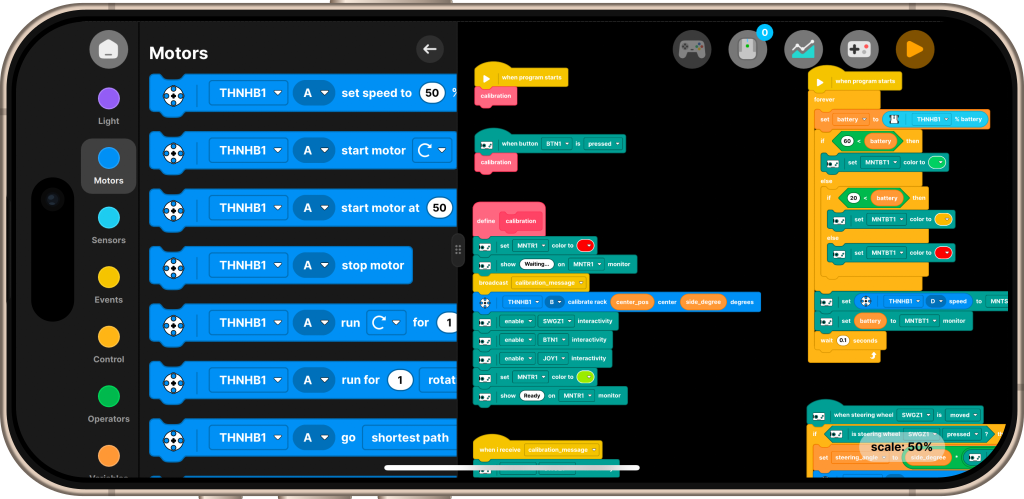
What MOCPilot gives you
- Custom profiles for your own models.
- Ready-made profiles for supported official sets.
- Bluetooth hub connection and management.
- Visual block programming for automation and logic.
- Dashboard controls for driving and operating models.
- Support for LEGO® Powered Up, Technic, BuWizz, SBrick, Mould King, motors, sensors, and compatible Bluetooth devices.
The idea
Most motorized builds need more than a simple remote. A car may need steering, throttle, lights, battery monitoring, a gearbox sequence, or a special startup routine. A robot may need sensors, events, conditional logic, and several hubs working together.
MOCPilot is designed for that middle space between a basic remote control and a full programming environment. You can start by driving a model from an on-screen dashboard, then add logic, sensors, and automation when the build becomes more advanced.
Profiles
A profile is the control center for one model.
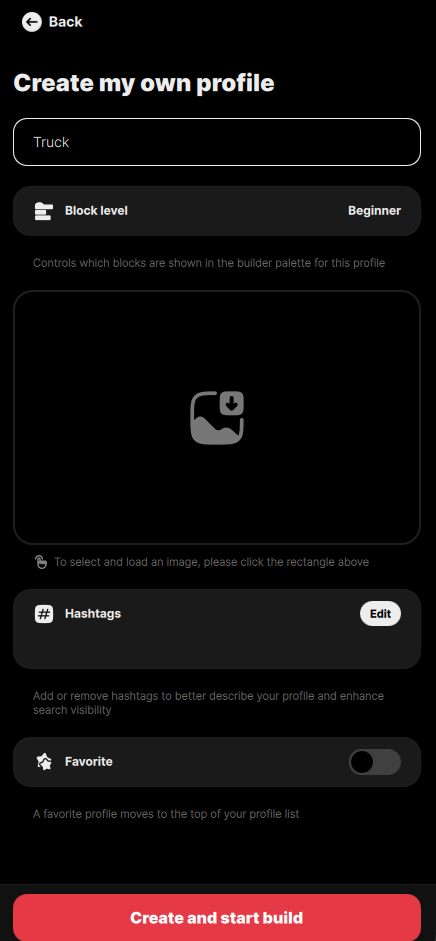
Inside a profile, you can choose which hubs belong to the model, create the program that runs the model, and design the dashboard used to control it.
Prebuilt profiles
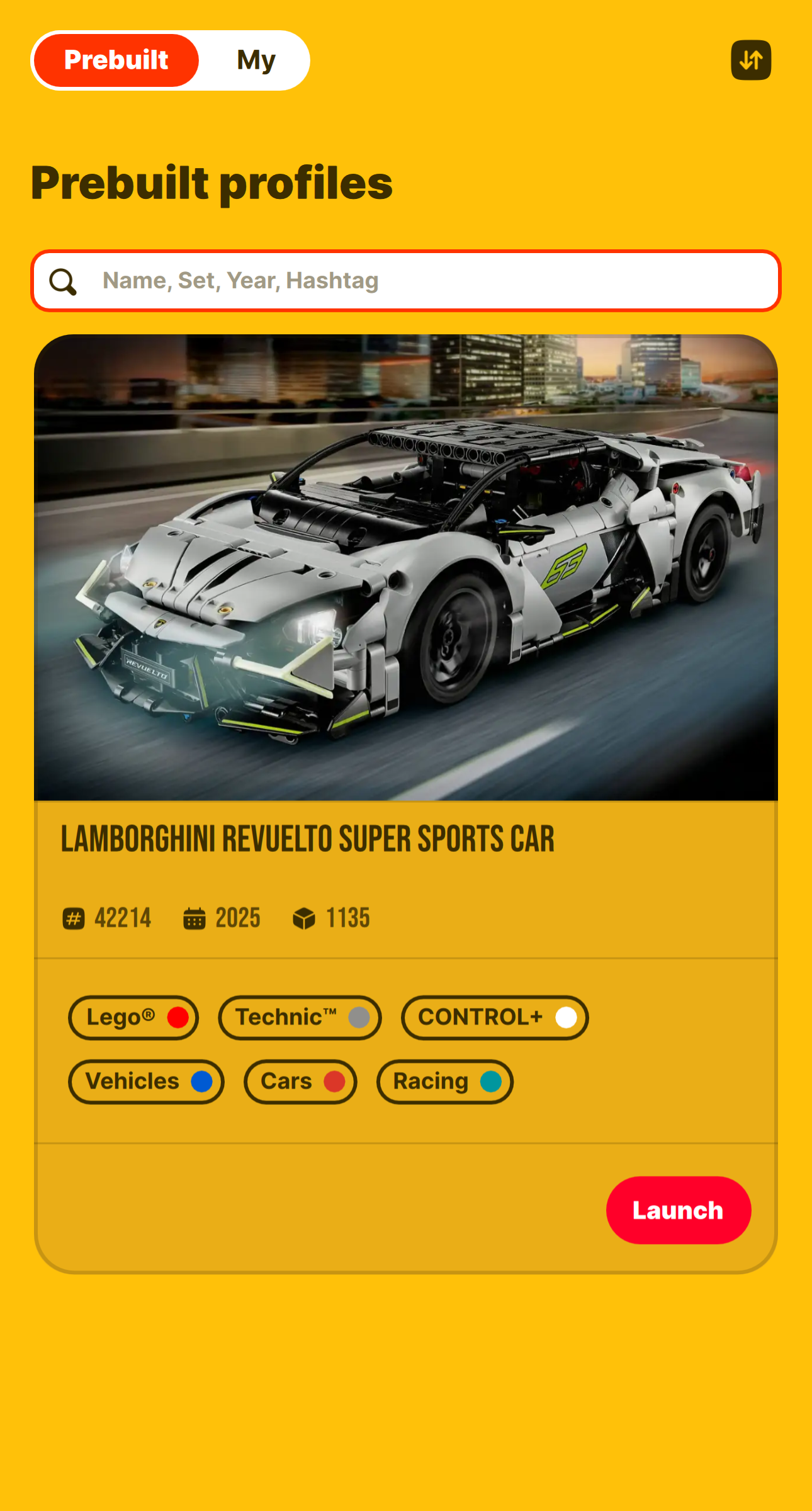
Prebuilt profiles are ready-made examples for supported official sets. They are useful when you want to start quickly or study how a working profile is assembled.
Custom profiles
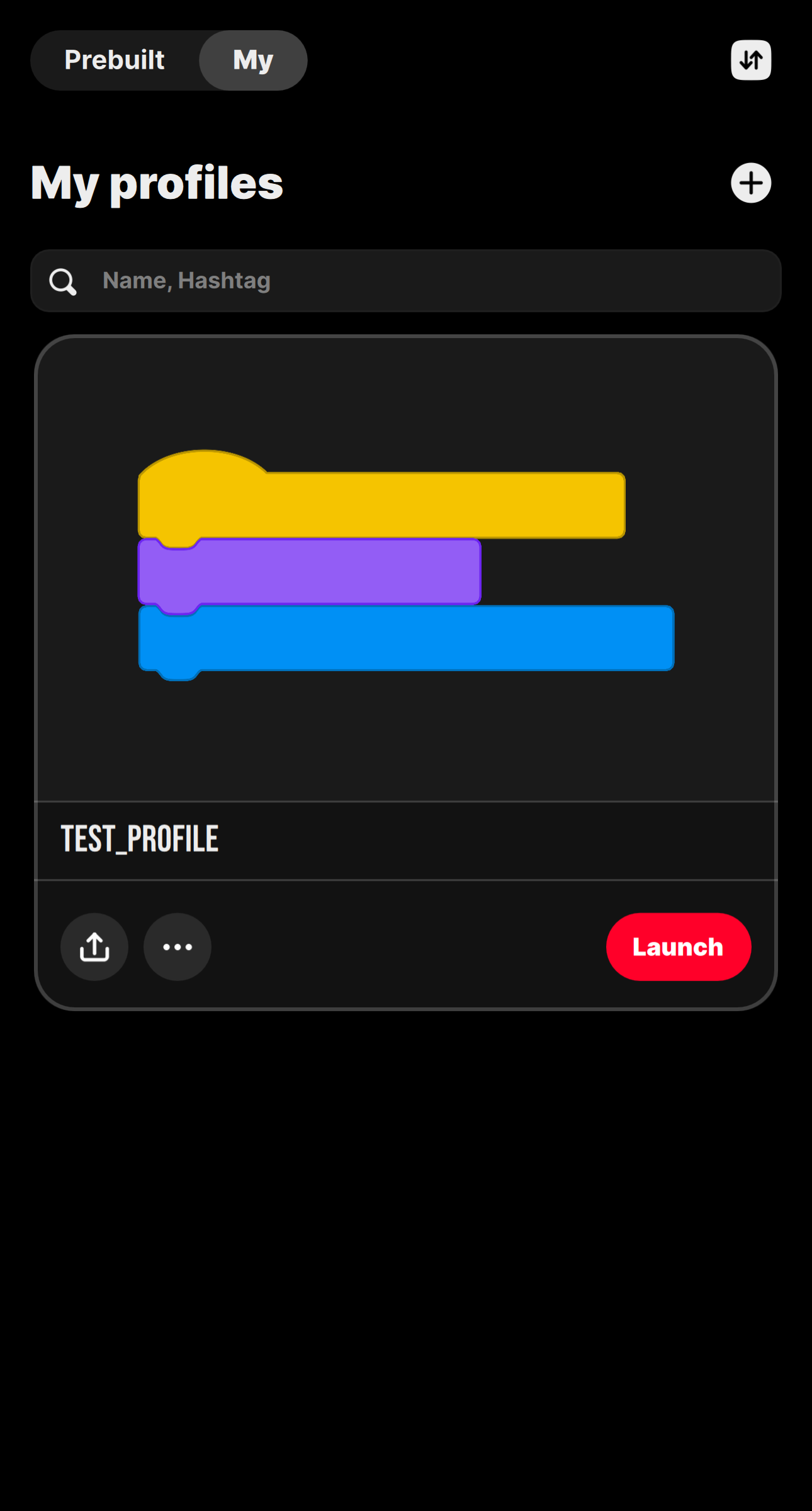
Custom profiles are for your own MOCs and experiments. You can create a profile, add hubs, connect motors and sensors, build a program, and design a control dashboard that matches the exact model.
Connect hubs and devices
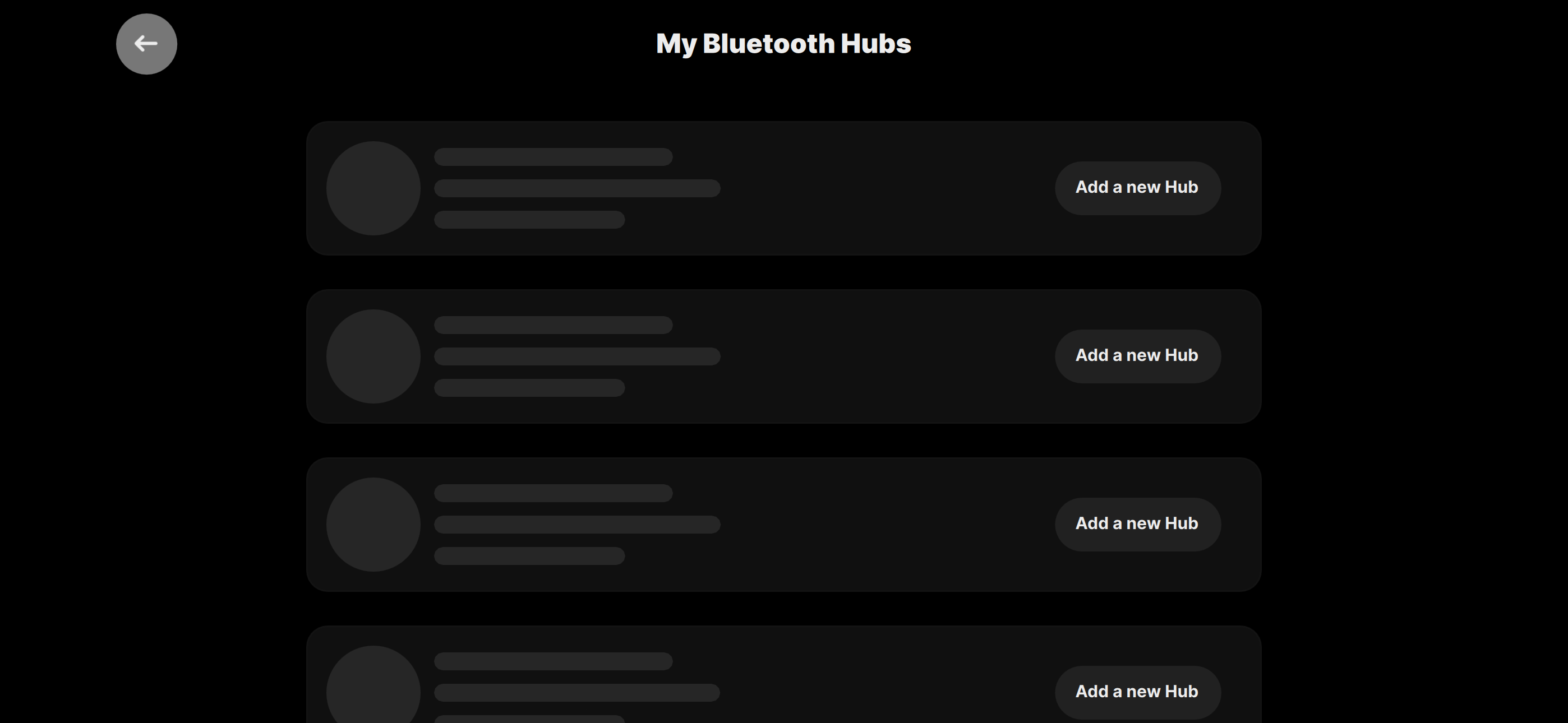
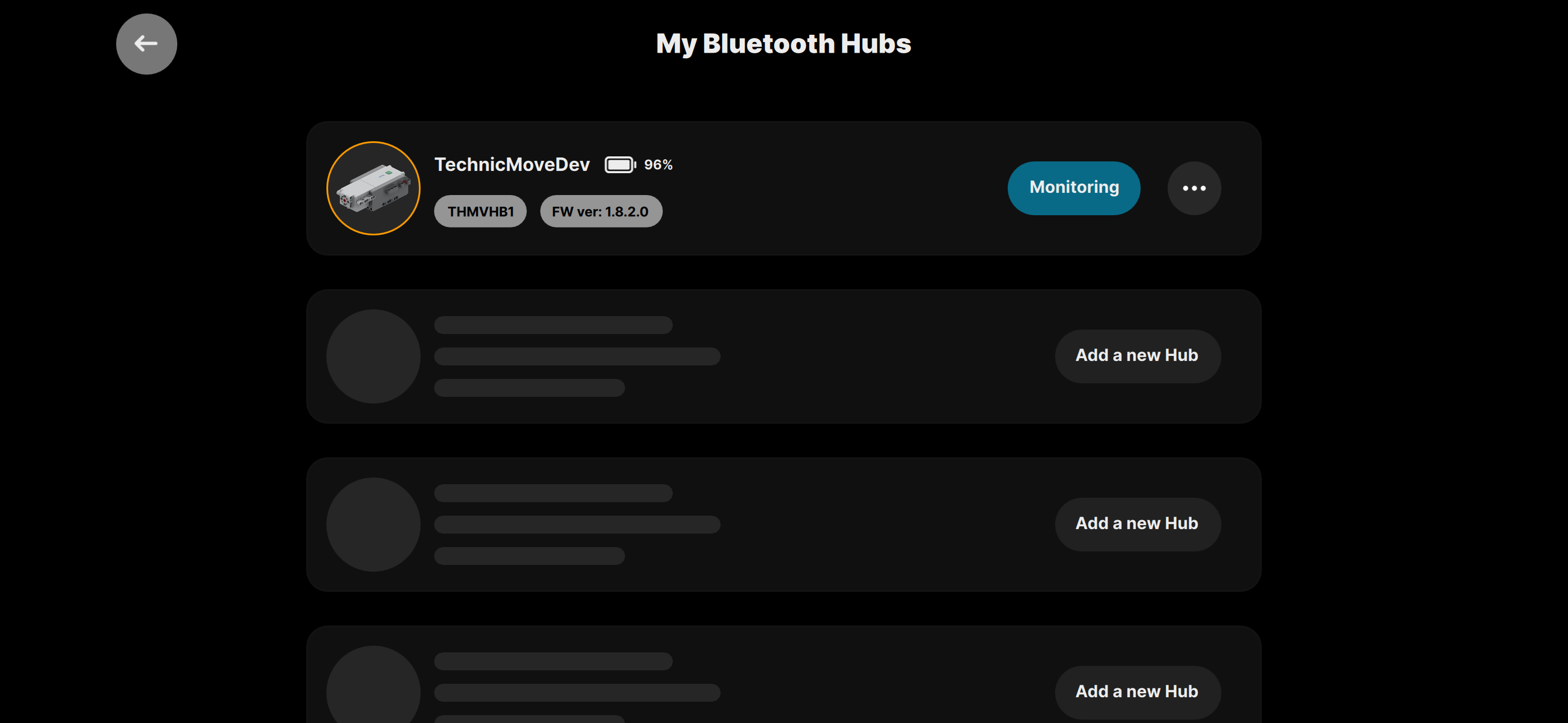
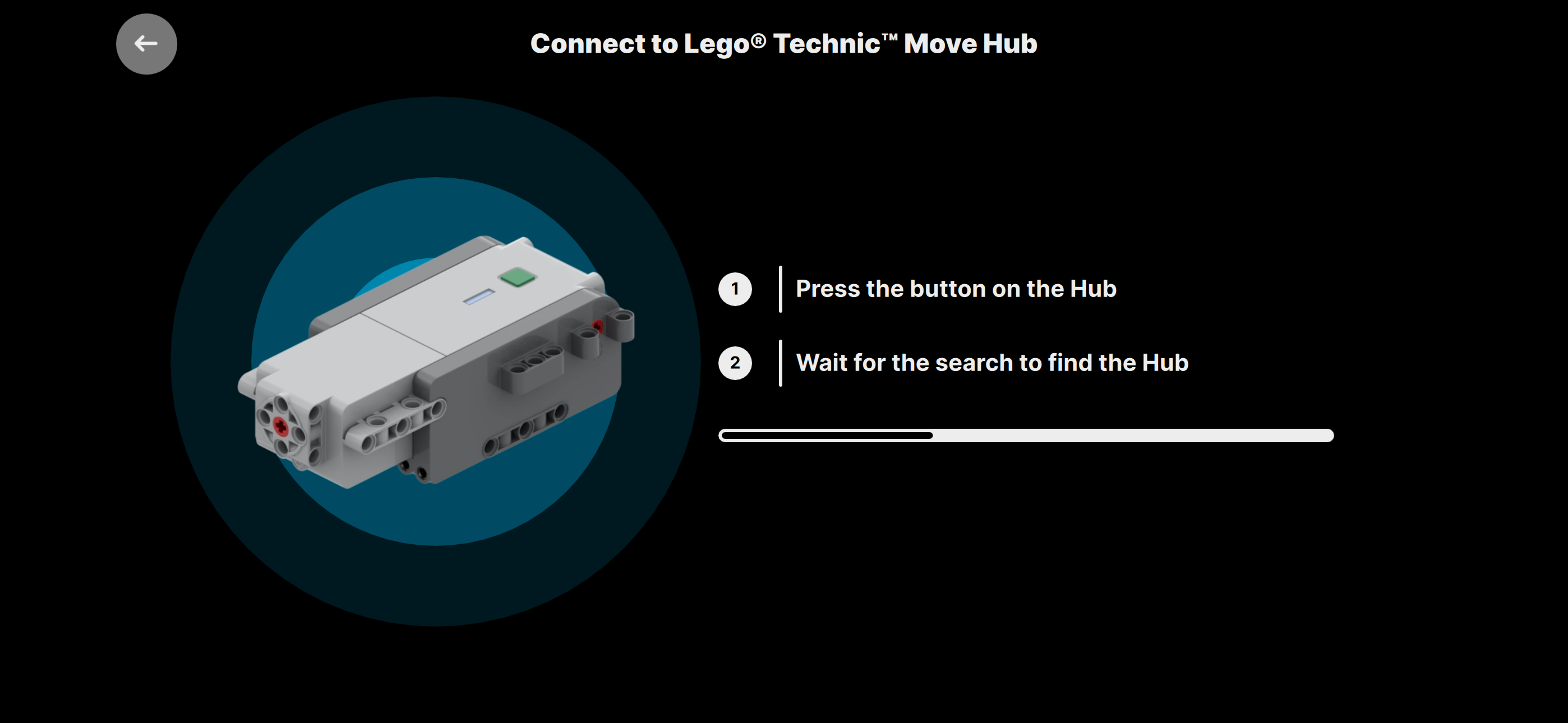
MOCPilot can connect to supported Bluetooth hubs and compatible devices, then make them available inside your profile.
You can use a profile with one hub for a simple build, or connect multiple hubs when your model needs more ports, separate power systems, or independent modules.
Examples of supported hardware
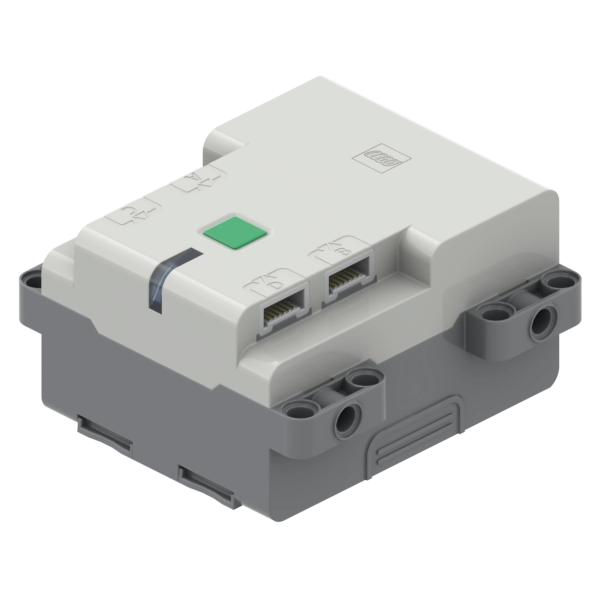
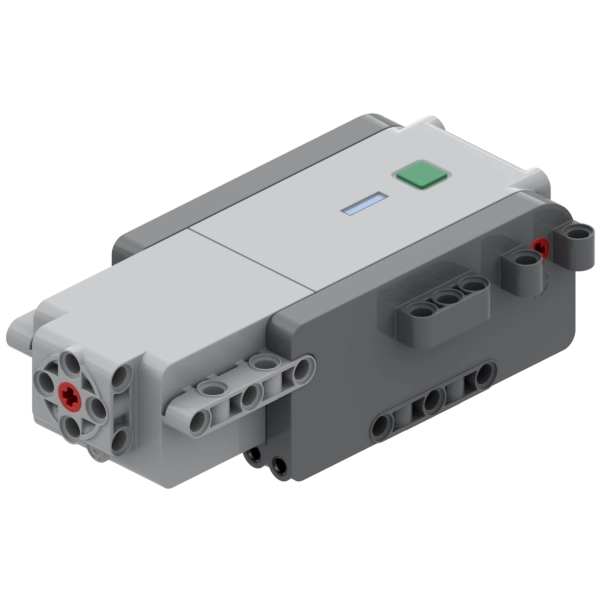
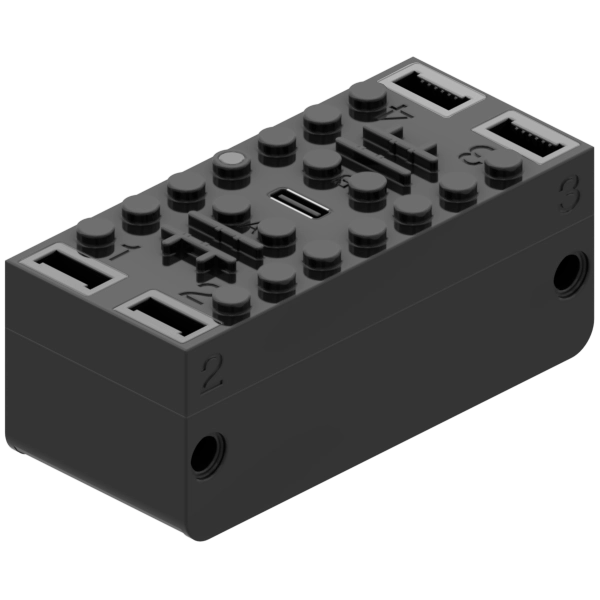
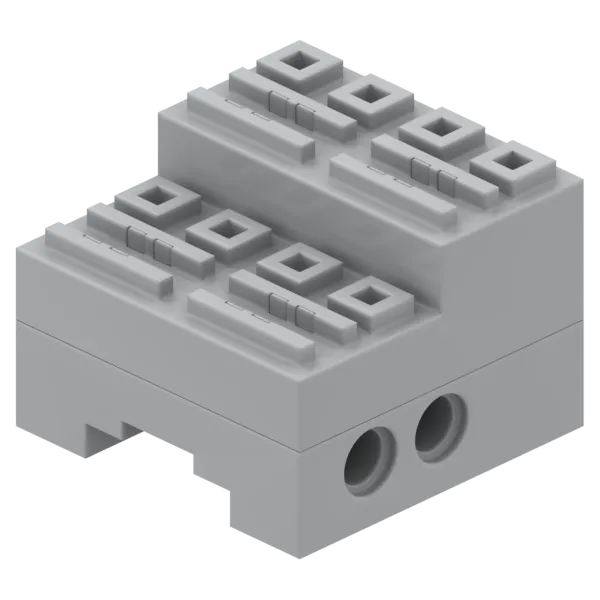
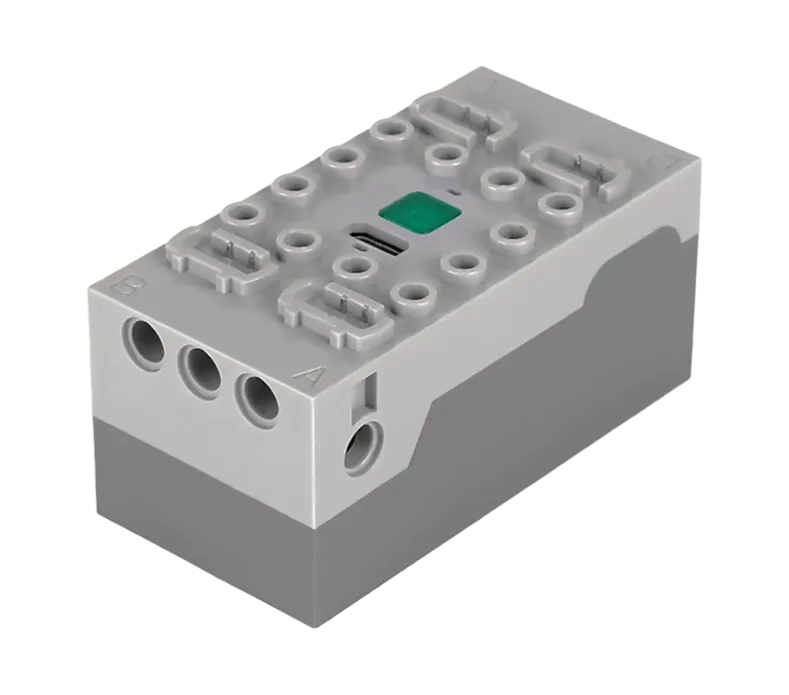
See the supported hubs, motors, and sensors page for the full list.
Build logic with blocks
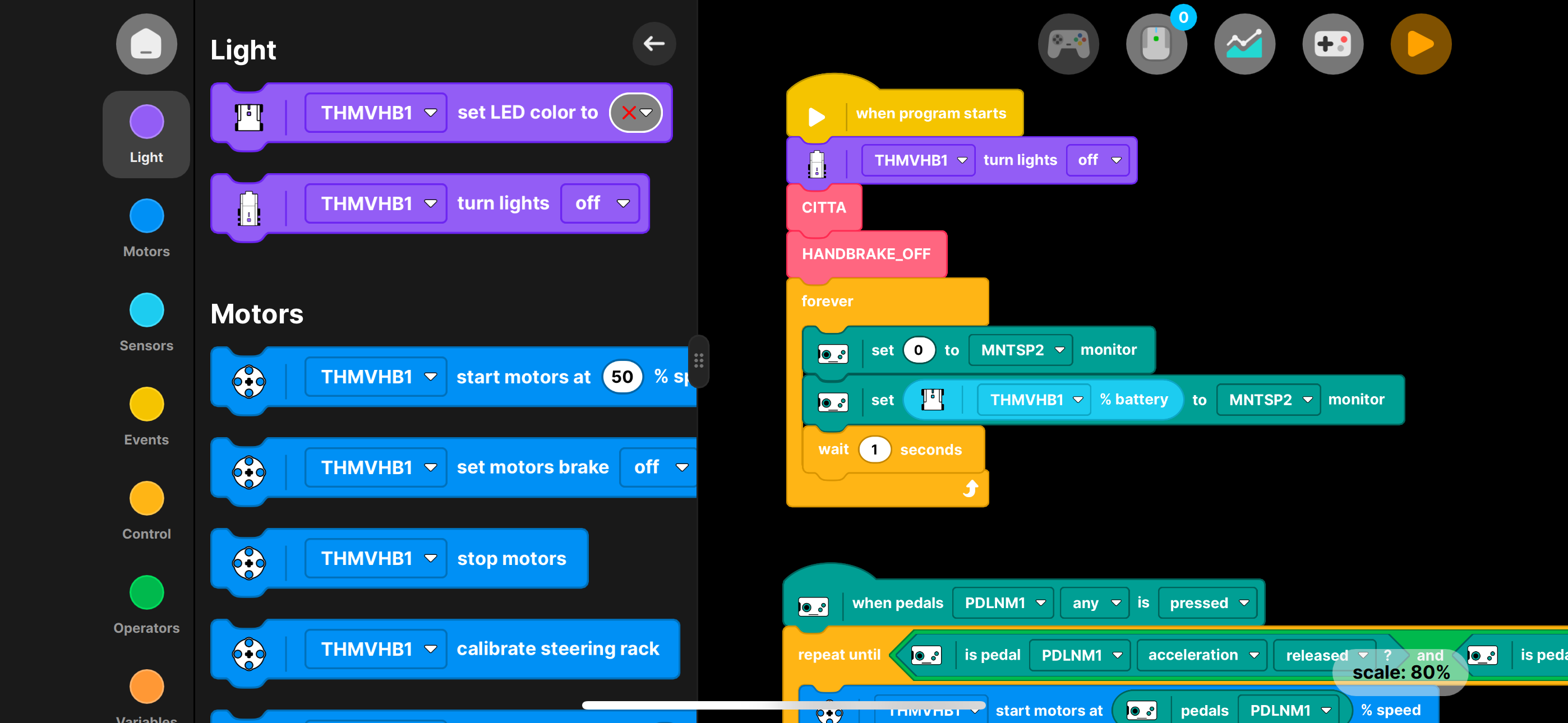
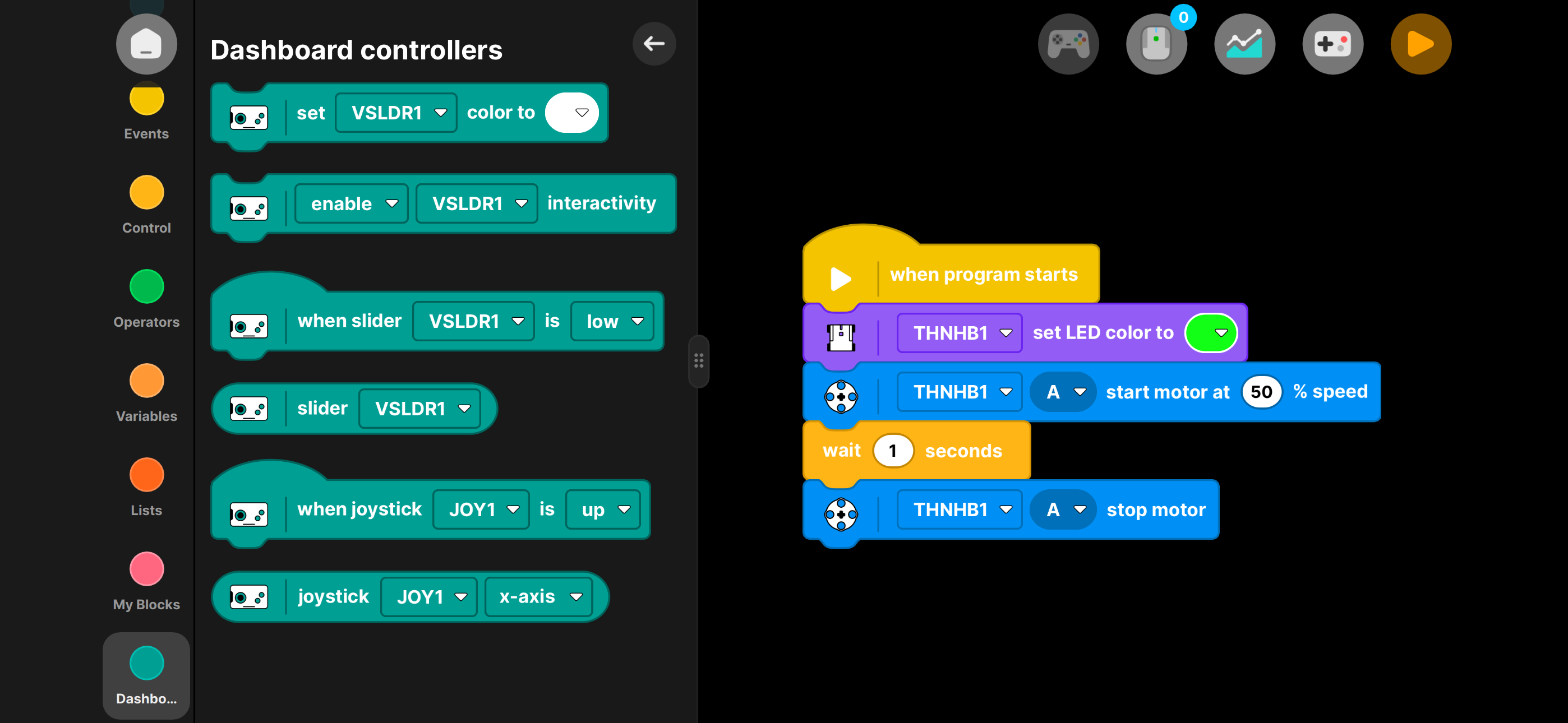
MOCPilot includes a visual block builder. You can create programs by connecting blocks instead of writing code.
Blocks can react to events, control motors, read sensors, work with variables, use gamepad input, update dashboard controllers, and coordinate several actions together.
MOCPilot fully supports connected physical gamepads. Gamepad blocks let you read buttons, triggers, D-pad directions, and thumbsticks, so you can map a real controller to your model when physical controls feel better than using the touchscreen.



What you can do with block programs
- Start, stop, and steer motors.
- Read battery level, voltage, tilt, orientation, temperature, and sensor values.
- Configure physical gamepad controls for steering, throttle, triggers, actions, and mode switching.
- React when buttons, sensors, timers, or dashboard controls change.
- Create startup checks before the model begins moving.
- Add custom logic for lights, steering calibration, power modes, and hub configuration.
- Use variables, lists, conditions, loops, broadcasts, and custom blocks to organize complex behavior.
Design a driving dashboard
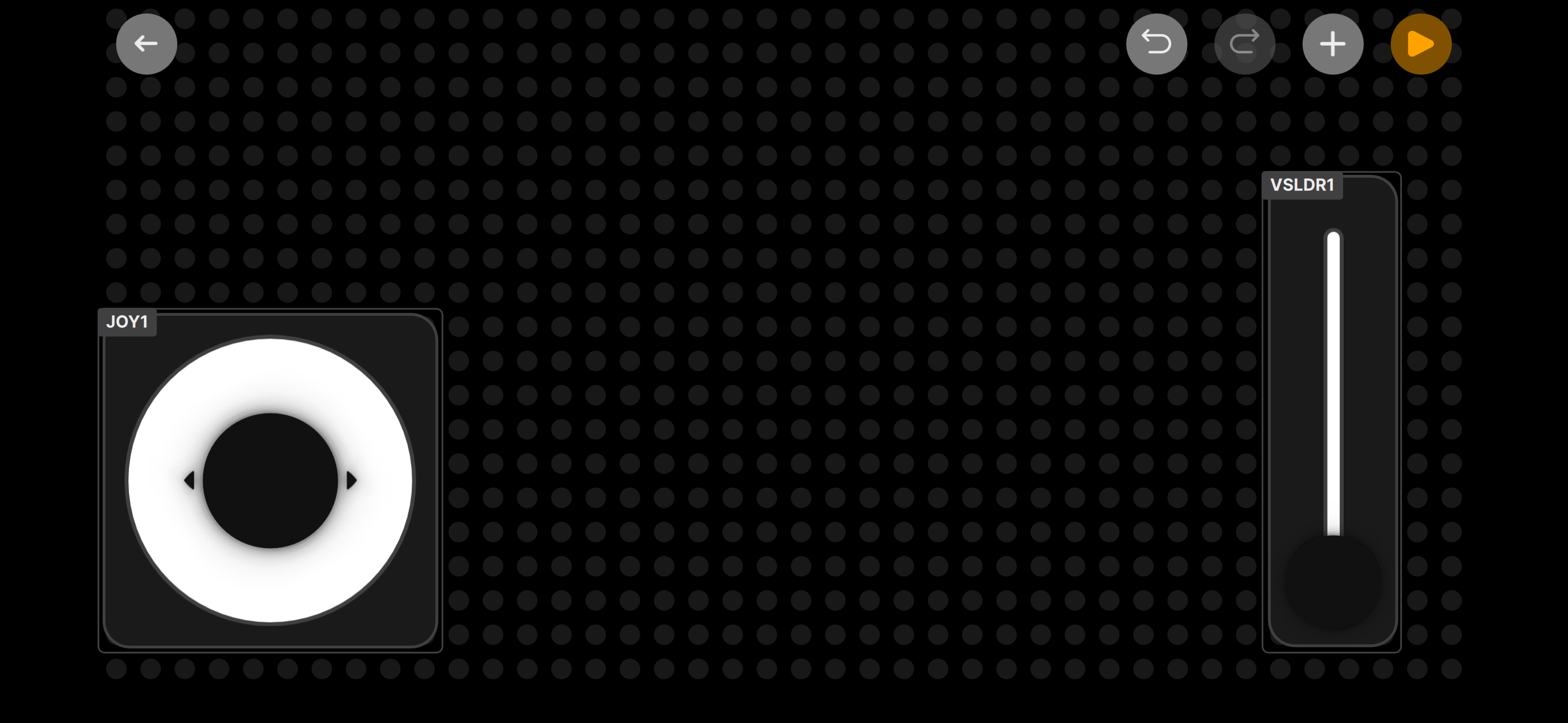
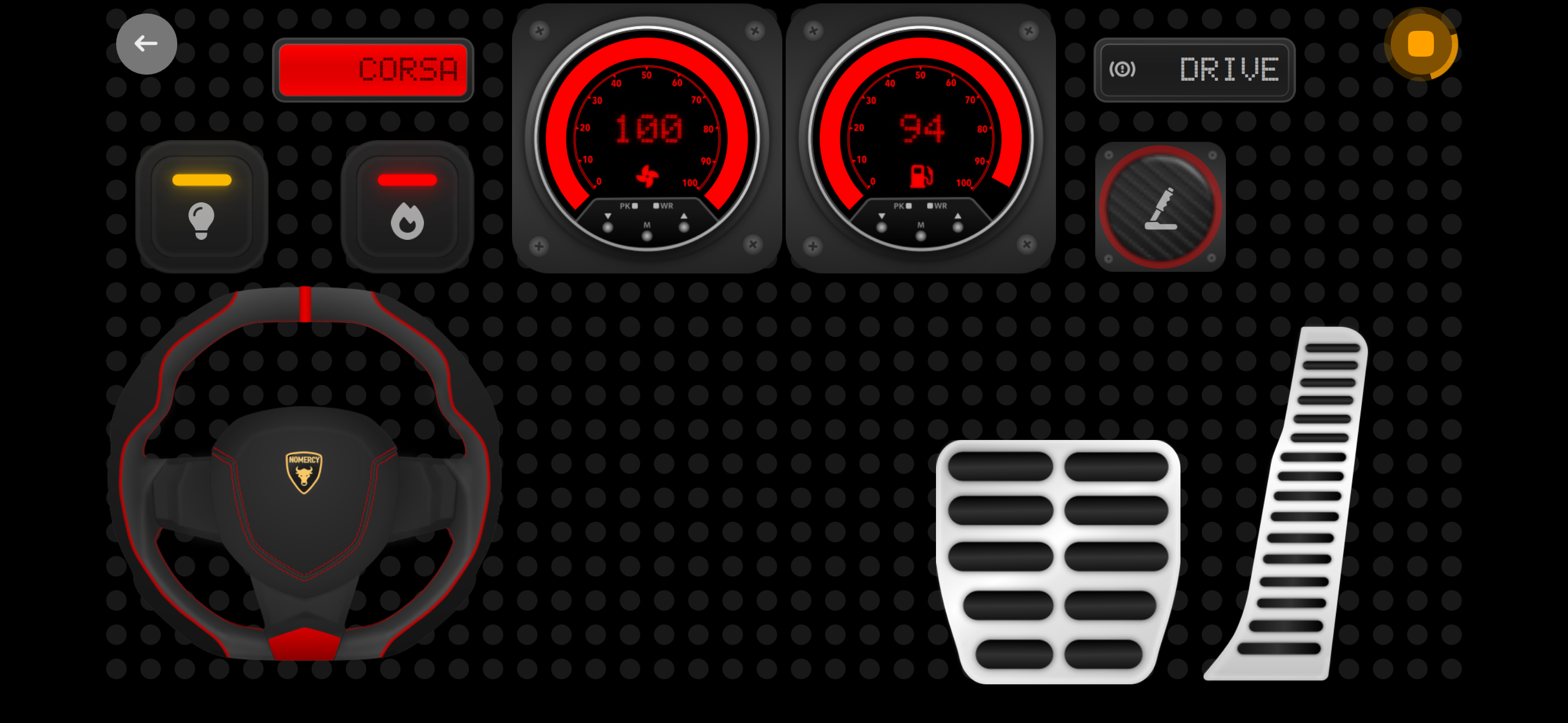
The dashboard is the screen you use while controlling the model. It can include steering wheels, joysticks, sliders, buttons, switches, pedals, monitors, and other controllers.
You can connect dashboard controls and physical gamepad inputs to blocks and hub actions, so the interface matches the model instead of forcing every build into the same remote layout.
Dashboard examples
- Use a steering wheel and pedals for cars.
- Use sliders for cranes, lifts, and linear actuators.
- Use buttons for lights, horns, gear changes, or scripted actions.
- Use monitors to show battery, speed, sensor values, or custom program state.
- Use a connected gamepad when you prefer physical buttons, sticks, and triggers instead of touchscreen controls.
Keep advanced builds manageable
As a model grows, the profile can grow with it. MOCPilot supports reusable logic with My Blocks, profile-specific hub setup, multiple controllers, and program flows that combine manual control with automation.
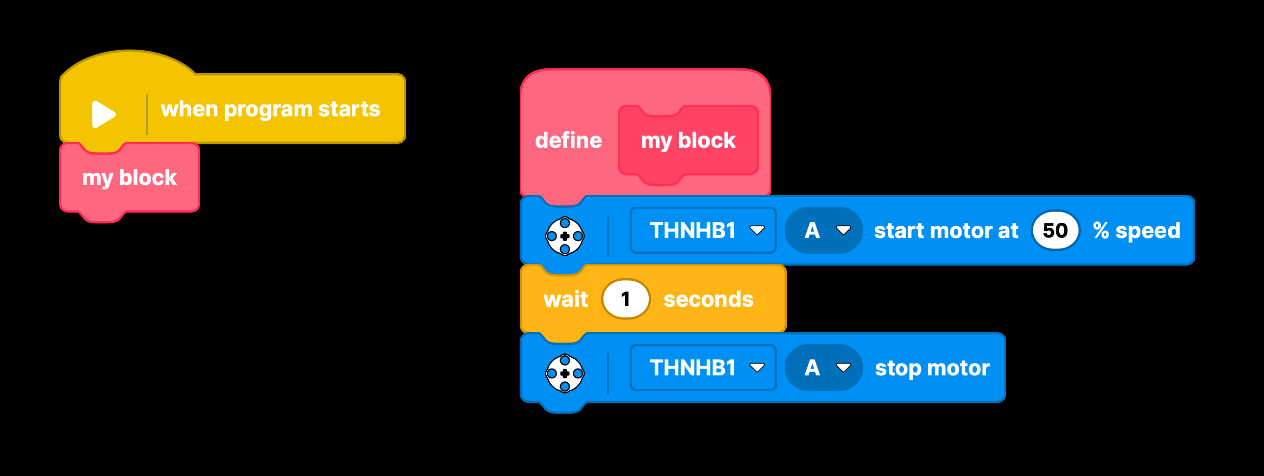
This helps keep large programs readable. For example, a profile can have one custom block for battery updates, another for steering calibration, and another for a special driving mode.
Typical workflow
- Create or open a profile.
- Add the Bluetooth hubs and devices used by the model.
- Build the program with blocks.
- Design a dashboard for driving and interaction.
- Press Play.
- Test, tune, and improve the profile until the model behaves the way you want.
Who MOCPilot is for
MOCPilot is useful for builders who want:
- A better remote control for motorized LEGO® models.
- A way to control third-party compatible Bluetooth hubs.
- A visual programming environment for mechanisms and robots.
- Prebuilt profiles for supported official sets.
- Custom dashboards for cars, trucks, trains, crawlers, cranes, and other MOCs.
- A single app that can combine hubs, motors, sensors, gamepads, and on-screen controls.
Start exploring
- Follow the quick start tutorial to build your first profile.
- Check supported devices before choosing hardware.
- Explore the BlockBuilder documentation when you are ready to add logic.
- Review hub firmware updating if a hub requires a supported firmware version.